Dylan Haugen Pro Dunker. Creator. Entrepreneur.
Professional Dunker • Content Creator • Podcast Host • Co-Founder of Local Service Spotlight
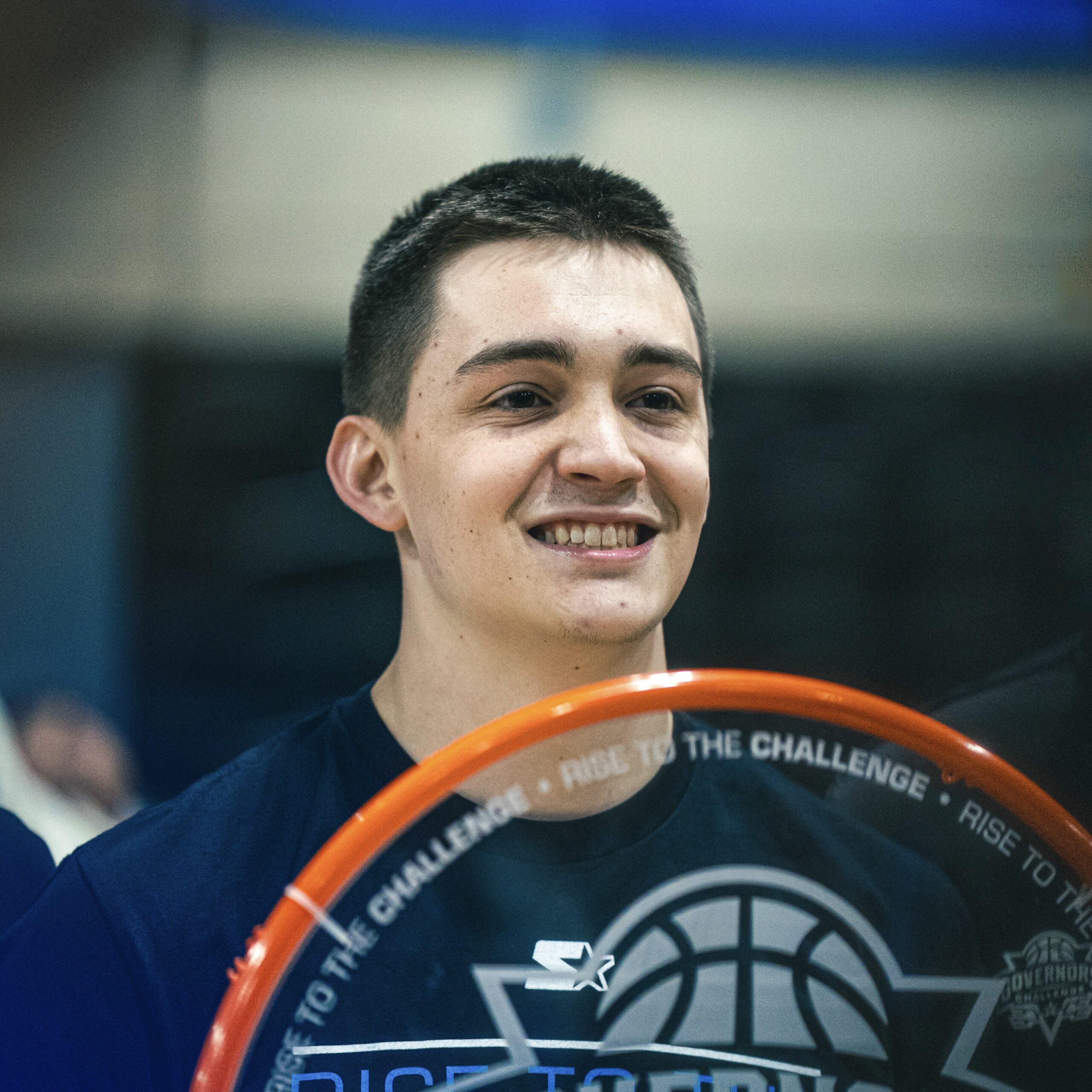
Professional dunker with over 100 million views across social media. I compete in dunk contests and perform shows worldwide, host the Dunk Talk podcast, and co-founded Local Service Spotlight to help local businesses grow through digital marketing. This summer, I’m one of 24 athletes competing in Shaq’s DunkMan League on TNT.
100M+
Social Media Views
175K+
Total Followers
6
Dunk Contests Won
Top 24
Dunkers in the World
Signed to Shaq’s DunkMan League.
Shaquille O’Neal and TNT Sports are launching DUNKMAN, the world’s first professional dunk league. Shaq picked 24 dunkers for the inaugural season. I’m one of them, and the youngest pro dunker in the world.
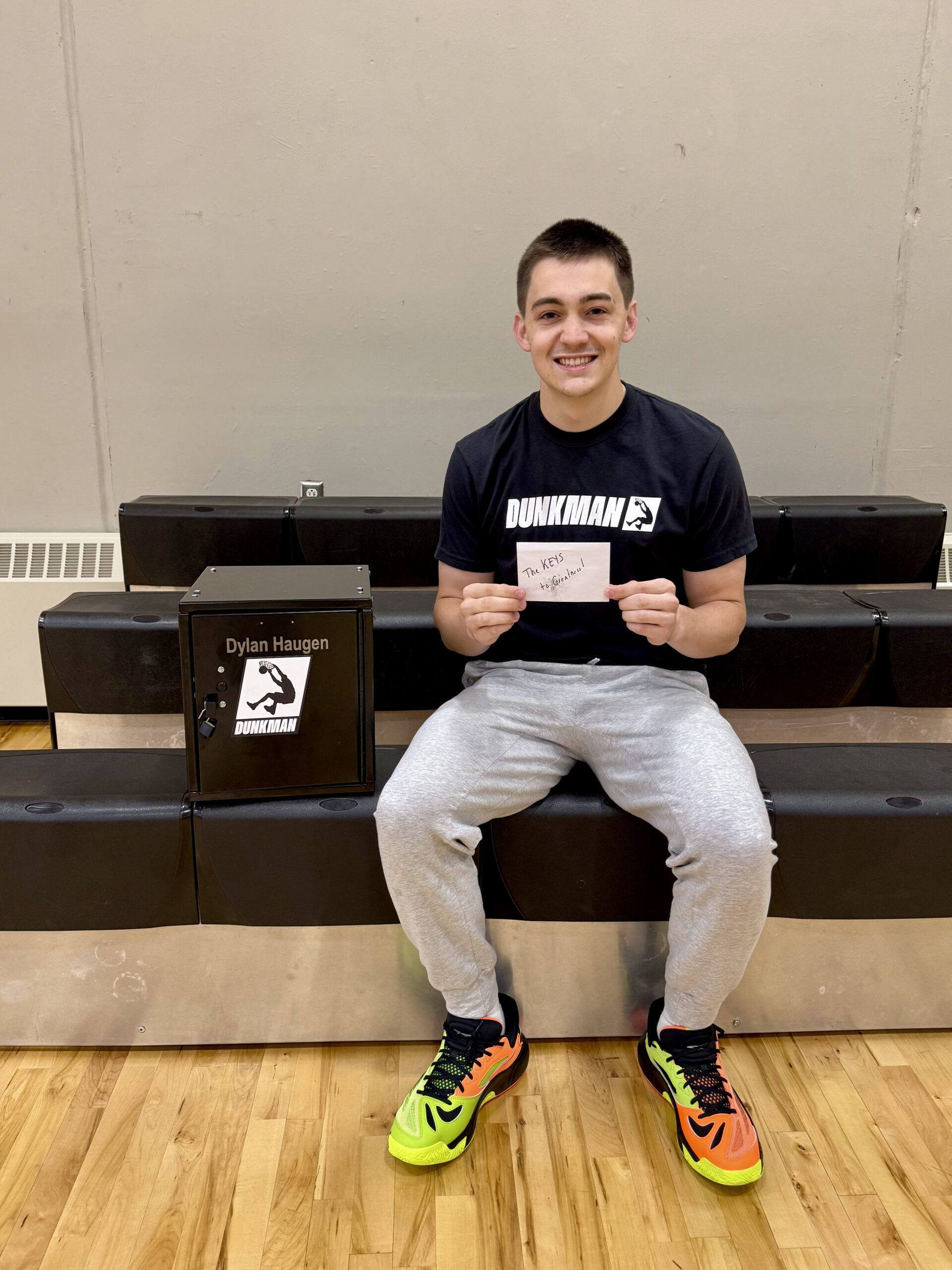
“The next gen has arrived. Welcome to DUNKMAN, Dylan Haugen.”
DunkMan Official · Shaq’s DunkMan LeagueThe league launches in summer 2026 with four live events airing on TNT, TBS, truTV and HBO Max, with Shaq as commissioner. Finalists compete for a world championship title and a $500,000 grand prize.
I broke the news on episode 70 of the Dunk Talk podcast. Every training session between now and the first event is building toward this stage.
Using My Journey To Inspire Growth In Others
I’m Dylan Haugen, the youngest professional dunker in Shaq’s DunkMan League, a content creator, and entrepreneur from Blaine, Minnesota. I founded the Minnesota Dunk Squad and host the Dunk Talk podcast, coaching, interviewing, and managing event opportunities for local athletes.
My goal is to help professional dunking grow into a recognized and respected sport. With over 100 million views across social media, I share my journey as a dunker, documenting progress, challenges, and lessons to inspire others to chase their own goals.
As host of the Dunk Talk podcast, I’ve interviewed many of the world’s top dunkers to spotlight their stories and grow the culture of the sport. I also co-founded Local Service Spotlight with Dennis Yu, helping local service business owners build credibility through personal branding.
From the court to the mic to the marketing world.
Here’s what drives me every day.
Professional Dunking
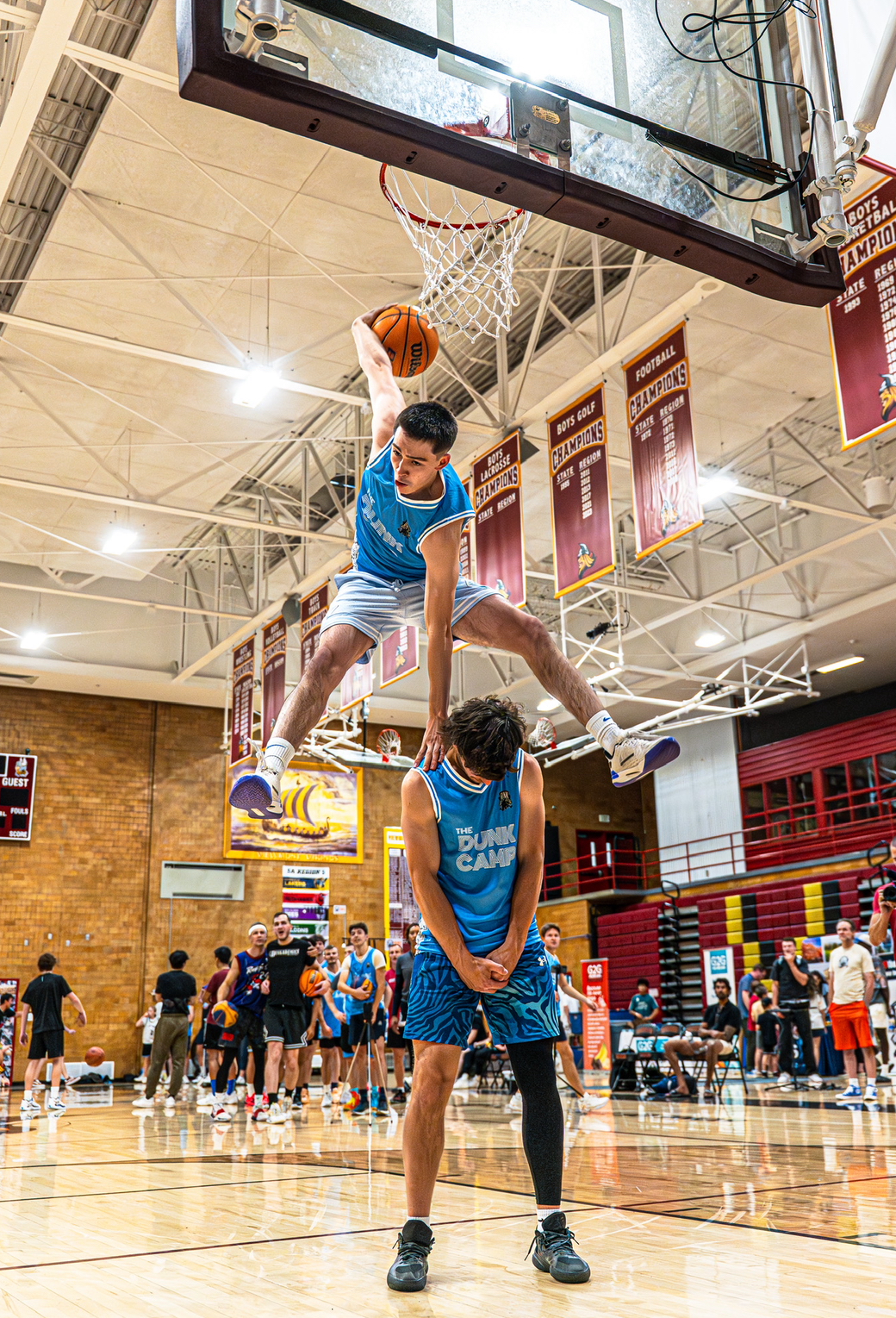
I compete in professional dunk contests and perform shows at schools, tournaments, and community events across the country. This summer, I’m competing in Shaq’s DunkMan League on TNT.
Learn More →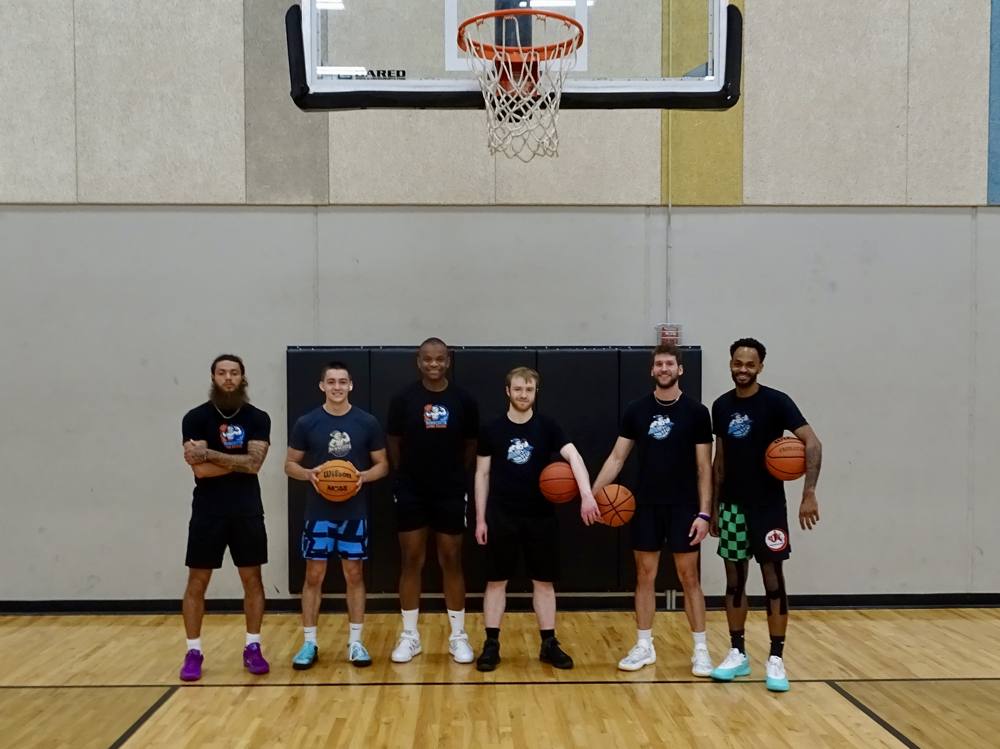
Minnesota Dunk Squad
I founded the Minnesota Dunk Squad to train together and grow dunking across the Midwest.
Learn More →
Dunk Talk Podcast
I created and host the Dunk Talk podcast with Hunter Castona. We interview the world’s top dunkers about their stories and training.
Listen to Dunk Talk →
Digital Marketing
I co-founded Local Service Spotlight with Dennis Yu to help local businesses build credibility and authority online.
Local Service Spotlight →The DunkMan announcement.
Episode 70 of Dunk Talk, where I shared the news: signed with Shaq’s DunkMan League as the world’s youngest pro dunker.

From the gym to the stage.
I’ve spoken at the AI Summit at DSDT (Detroit School of Digital Technology) with Dennis Yu and Cam Hazzard, The Dunk Camp 2026 in Salt Lake City with Dennis Yu, the JVA Align Volleyball Summit two years running, and DigiMarCon stops in Las Vegas and Minneapolis.
Two TV hits. Same career.
KARE 11 filmed in the Spring Lake Park gym when I was 17. FOX 5 Atlanta had me live on a Friday at 3pm to explain DunkMan.
Latest reads.
Thoughts on dunking, content creation, marketing, and the journey.
Let’s Connect
Whether you want to book a dunk show, collaborate on content, or grow your business with Local Service Spotlight, I’d love to hear from you. Follow the road to Shaq’s DunkMan League across every platform.